3. Bookings & Orders
The Bookings module gives you a detailed overview of every delivery processed by your fleet.
Order List
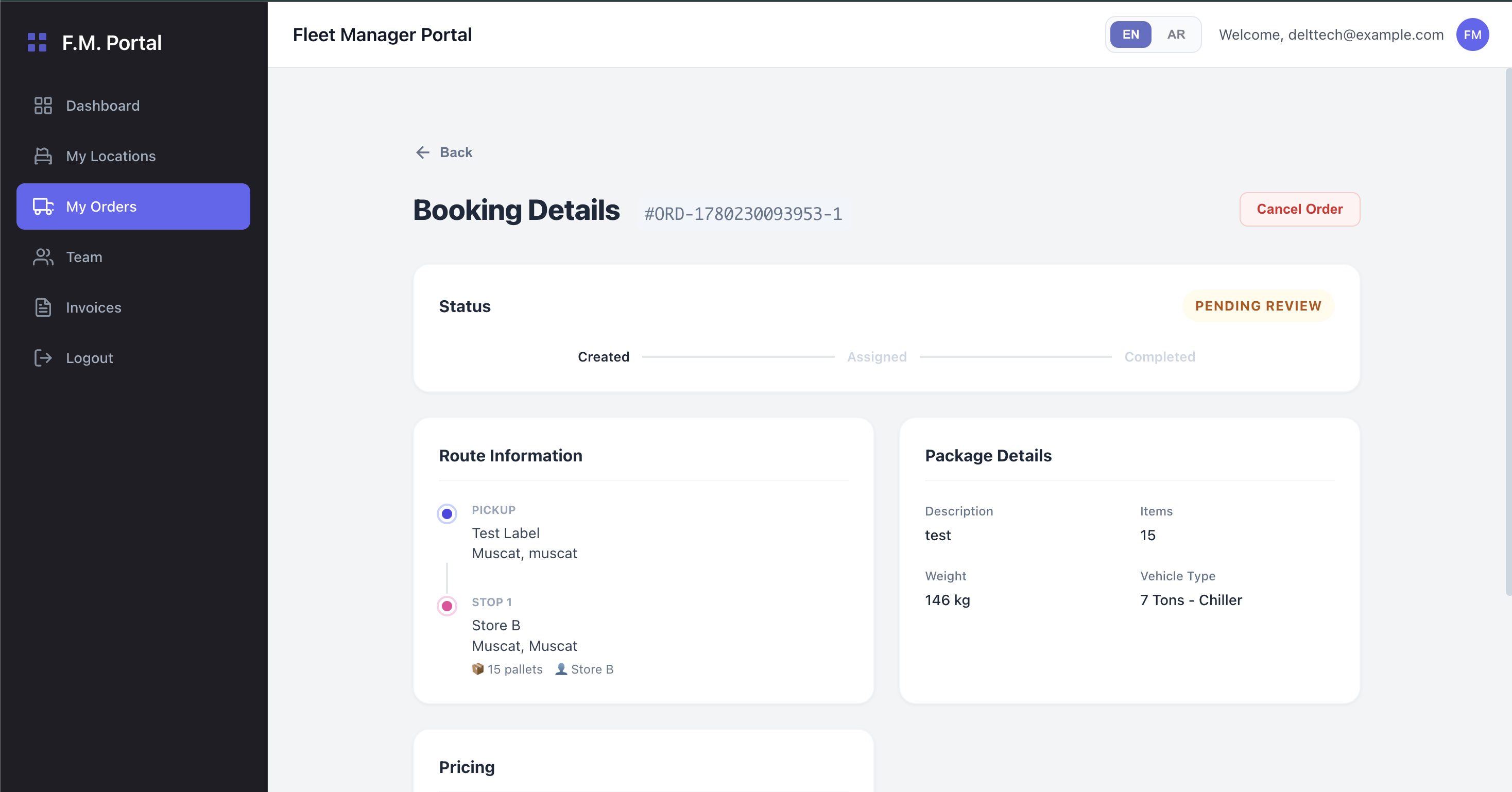
When you navigate to the Bookings section, you will see a comprehensive table of all historical and active orders.
- Filtering & Search: You can filter orders by their current status or search for specific tracking numbers.
- Status Badges: Orders are categorized using color-coded badges to quickly indicate their state:
- 🟠 Draft / Pending: The order has been created but not yet assigned to a driver.
- 🔵 Assigned / In Transit: A driver has accepted the order and is currently executing it.
- 🟢 Delivered / Completed: The order has been successfully fulfilled.
- 🔴 Cancelled: The order was aborted.
Order Details View
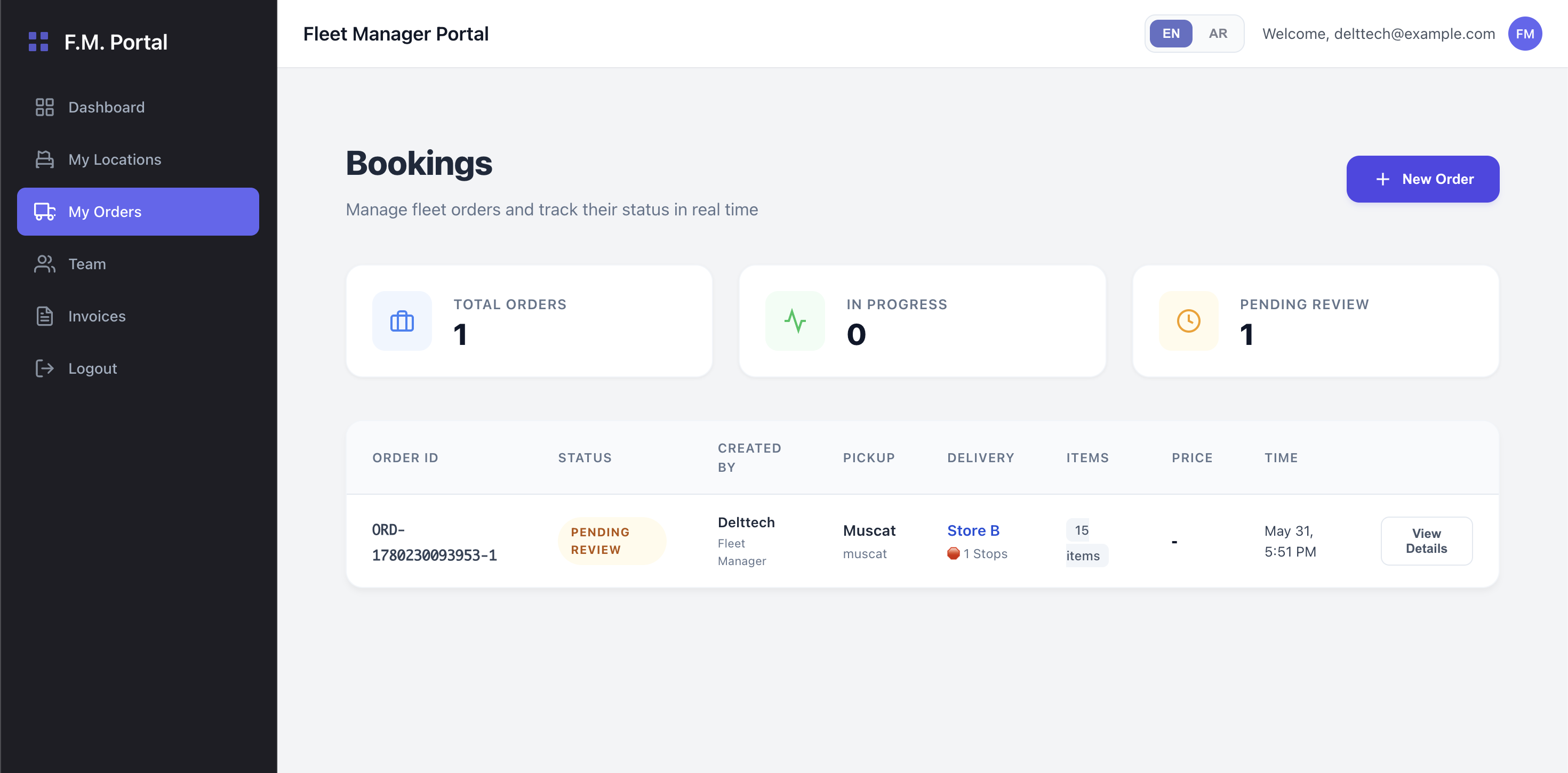
Clicking on a specific order from the list opens the Order Details page (/bookings/:id). This page provides an exhaustive breakdown of the booking:
- Customer & Driver Info: See exactly who placed the order and which driver from your fleet is handling it.
- Route Specifications: View the exact pickup and drop-off addresses. If it is a multi-stop order, the full sequence of stops will be listed along with their individual statuses.
- Financial Breakdown: Review the total amount, delivery fees, and any applied taxes for that specific trip.