1. Dashboard & Live Tracking
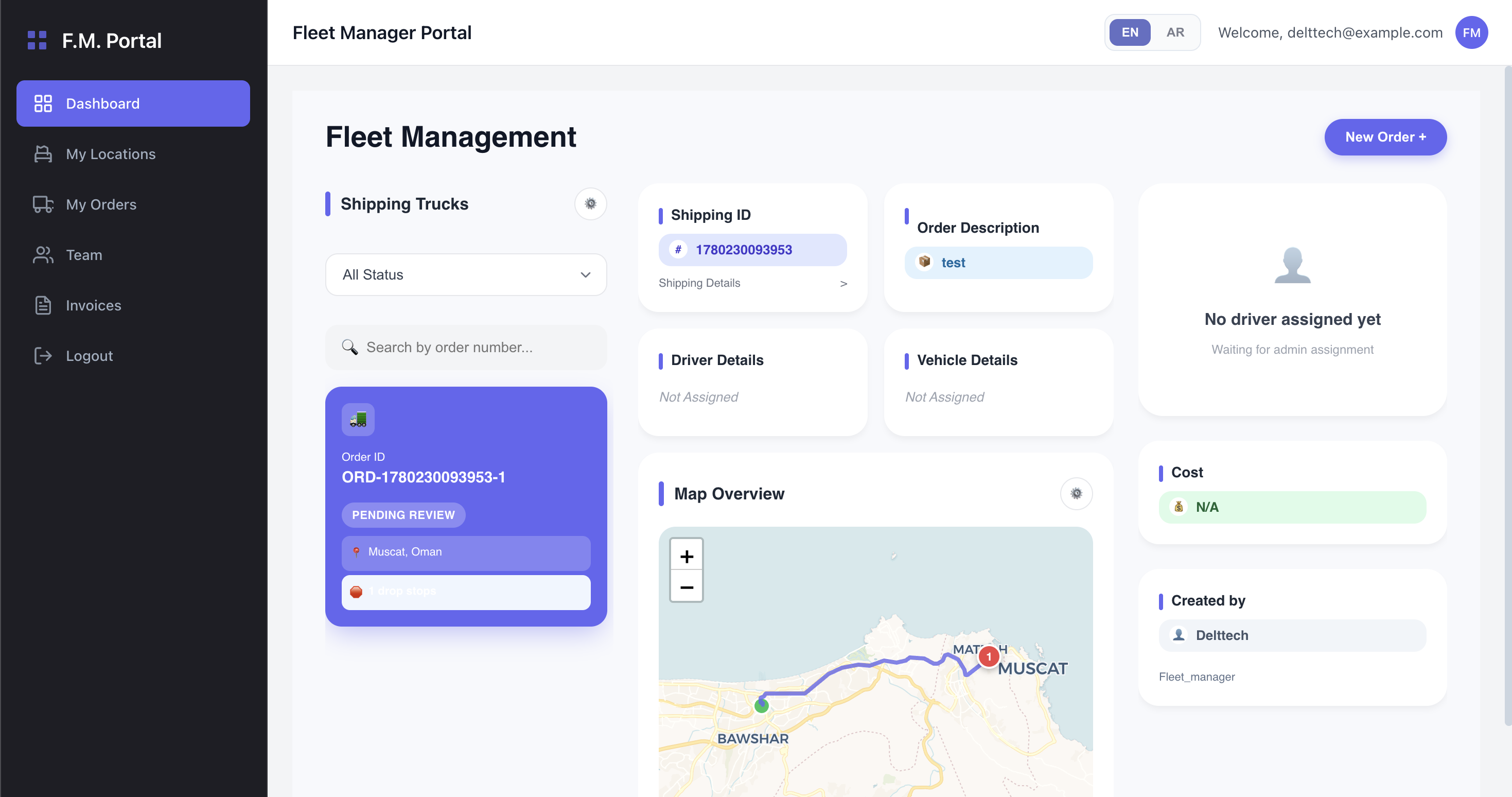
The Dashboard is your central command center as a Fleet Manager. It offers an interactive real-time overview of your fleet's operations, orders, and driver locations.
Interactive Live Map
The core of the dashboard is an interactive, Leaflet-powered map that automatically updates to reflect the current state of your active orders and drivers.
Route Visualization
The dashboard plots the delivery paths for your active bookings:
- Standard Orders: Shows a direct route line between the pickup location (green marker) and delivery location (red marker).
- Multi-Stop Orders: The map will automatically calculate and display the optimal waypoint route passing through all scheduled stops. Each stop is clearly marked with a numbered badge (
1,2,3, etc.), and dynamically turns green once that specific stop has been completed.
Real-Time Driver Tracking
Once a driver is assigned to an order, their live location is polled every 10 seconds. You will see a truck icon (🚚) moving on the map, allowing you to monitor their exact position as they navigate the route.
Quick Booking Creation
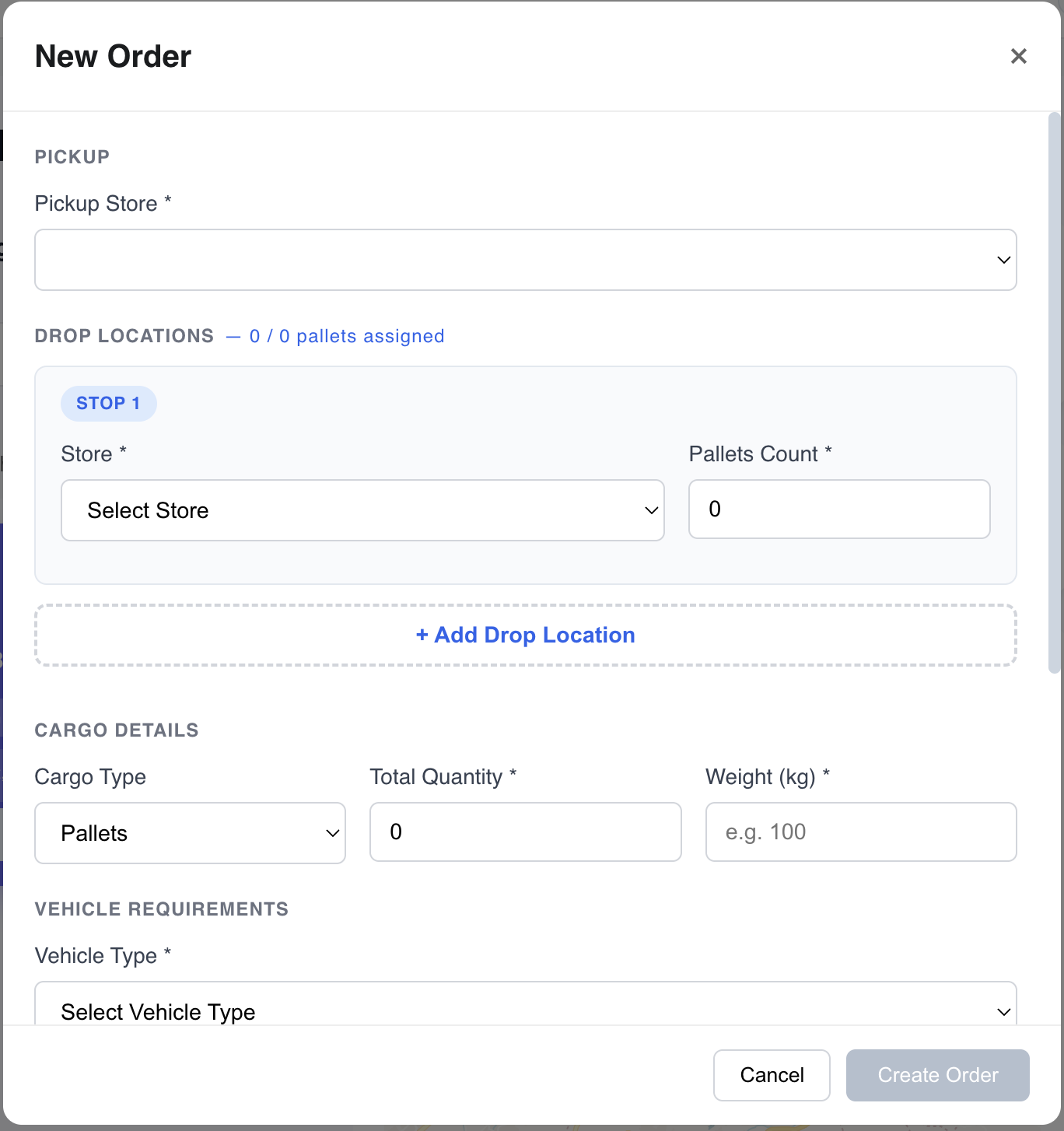
To streamline your dispatching process, you can create a new booking on behalf of your fleet directly from the dashboard:
- Click the Create Booking button to open the modal.
- Enter the necessary shipment details (pickup, delivery, or multiple stops).
- Confirm the order. The system will instantly generate a new
Pendingorder and plot it on your live map once a driver is dispatched.