7. Fleet Management Portal
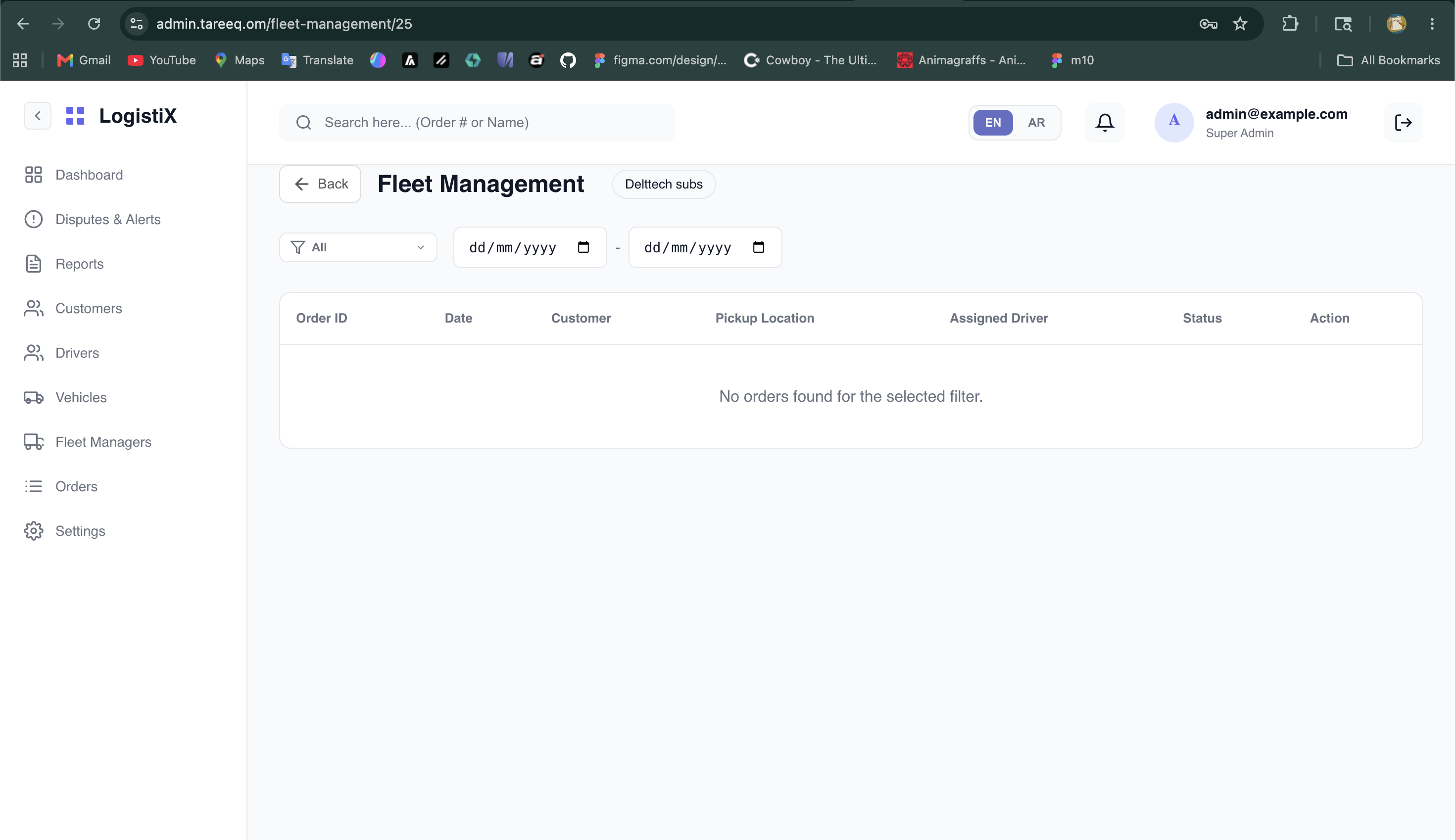
The Fleet Management Portal is a dedicated space for the Super Admin to oversee the internal operations of specific Fleet Managers.
Overview
Instead of viewing global data, this portal allows you to drill down into a specific fleet's performance.
- Navigate to Fleet Management.
- Select a specific Fleet Manager from the list.
- You will see a localized dashboard displaying their active drivers, assigned vehicles, and fleet-specific orders.
Order Assignment & Fare Configuration
Within a specific Fleet Manager's dashboard, the Super Admin has direct control over their localized orders:
- Locate the orders section for the selected Fleet Manager.
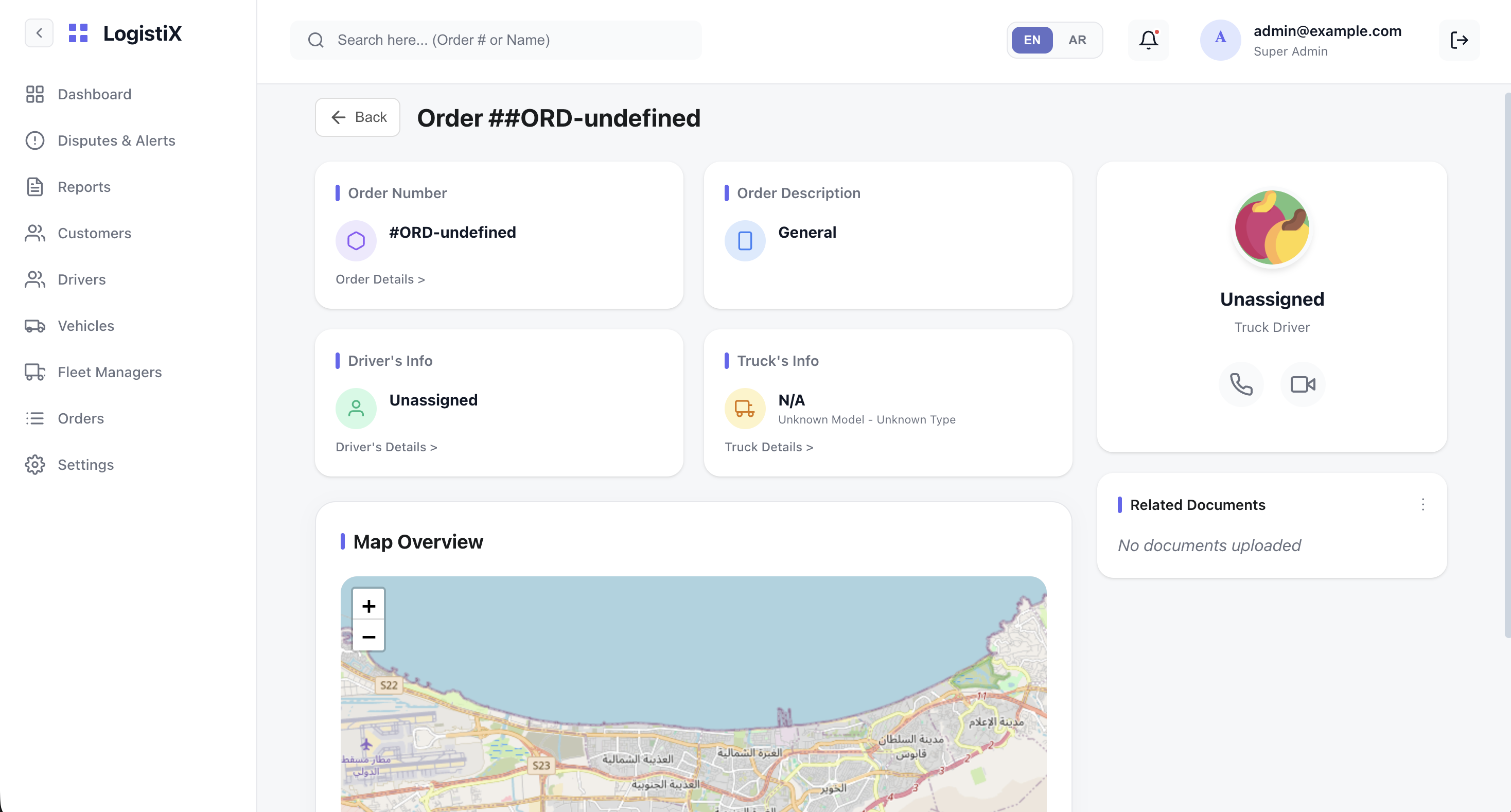
- Click on a specific order to open its details.
- From the order details screen, you can assign a driver from that fleet to the order.
- You also have the ability to set or adjust the fare (price) for that particular order before it is dispatched.
