8. Disputes & Alerts
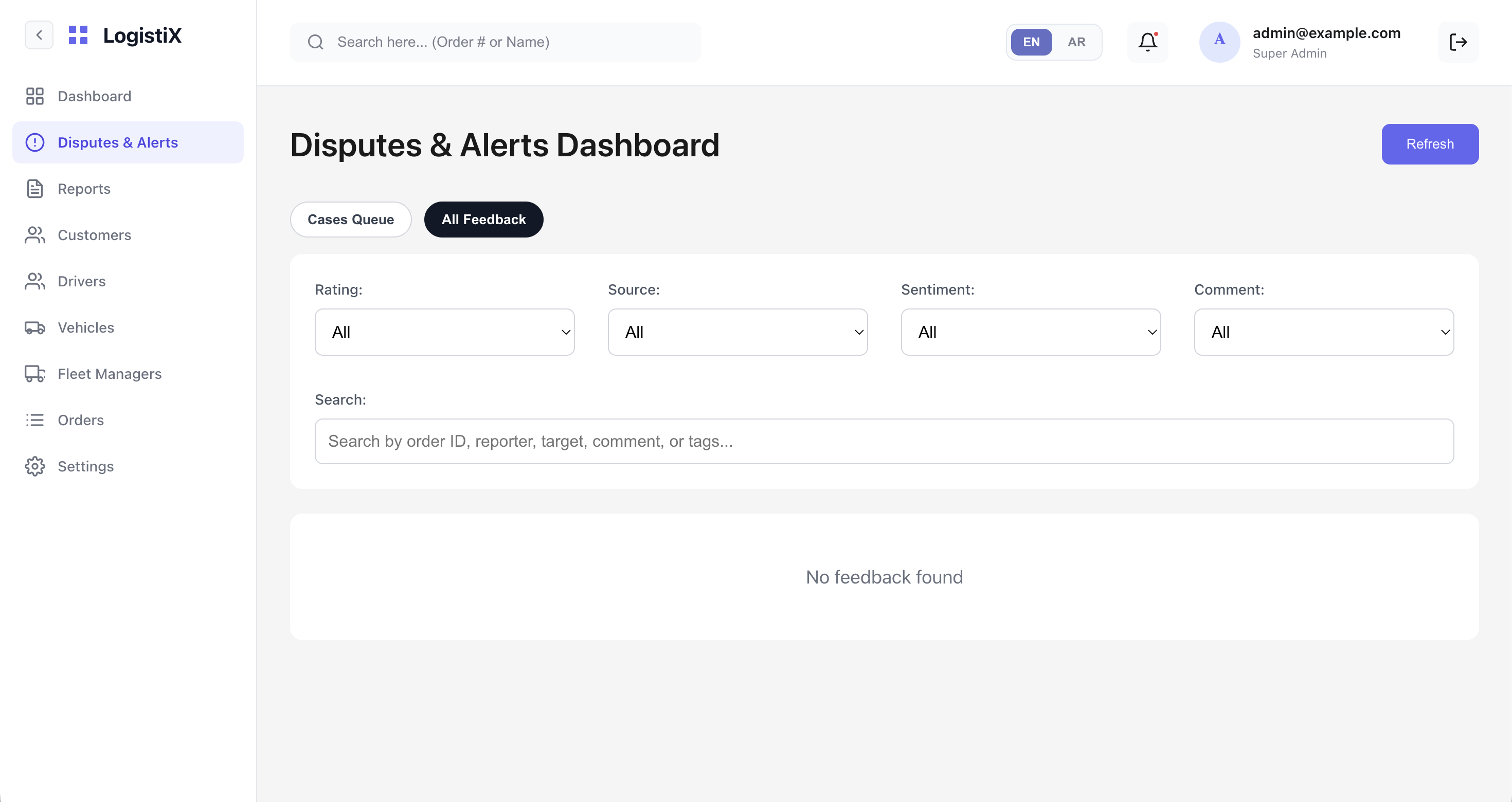
The Disputes & Alerts Dashboard is your central hub for managing support tickets, user complaints, and general feedback.
Dashboard Tabs
When you navigate to the Disputes & Alerts section, you will see two main tabs:
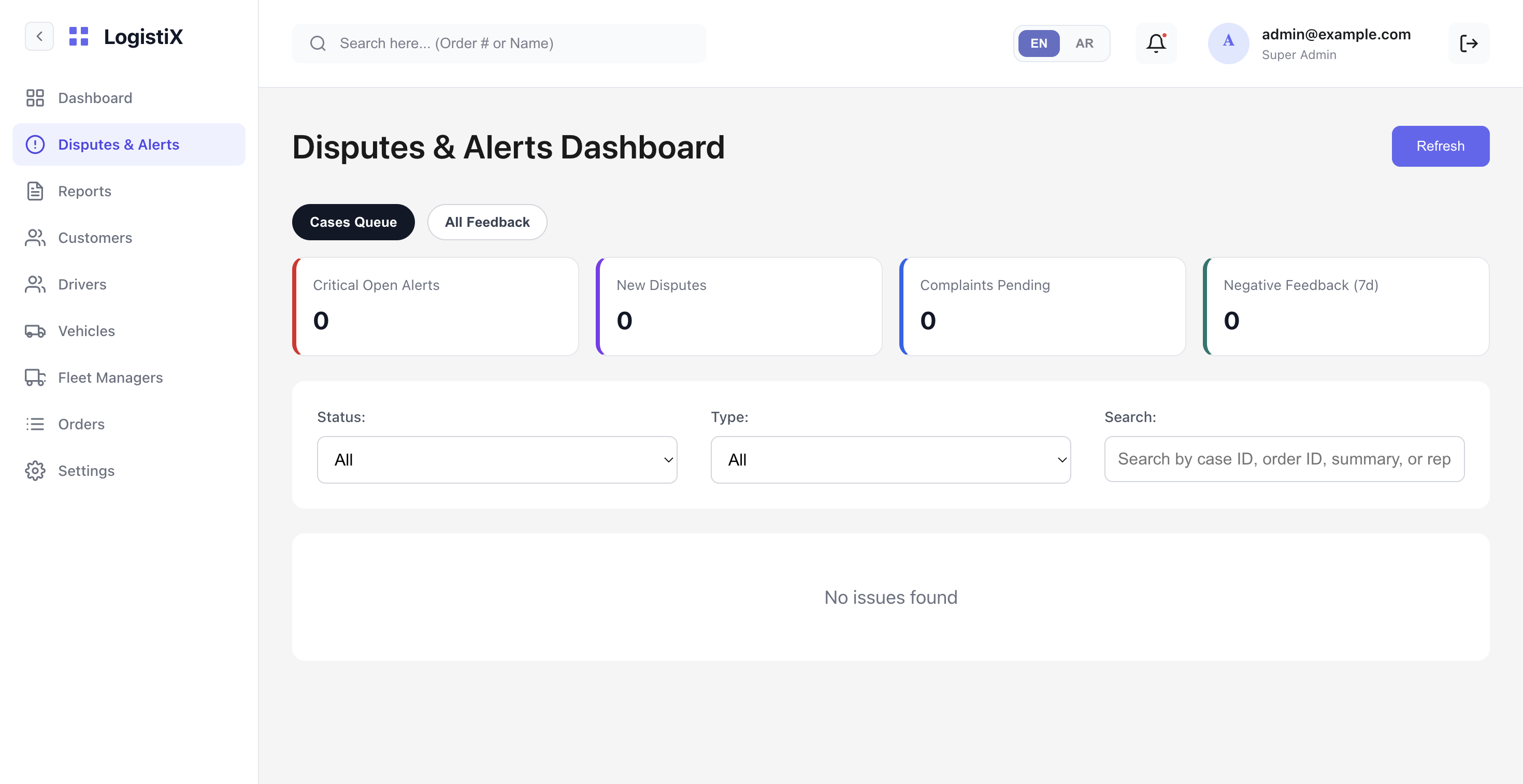
1. Cases Queue
This tab lists all open and closed support tickets (cases) that require admin attention. From here, you can view the details of a specific case, update its status (e.g., In Progress, Resolved), add internal notes, or escalate it.
2. All Feedback
This tab allows you to filter and view general feedback submitted by users. You can filter feedback by:
- Rating: (All, 1-star, 5-star, etc.)
- Source: (Customer App, Driver App, etc.)
- Sentiment: (Positive, Negative, Neutral)
- Comment: Search by specific keywords or Order ID.