2. Orders & Pricing
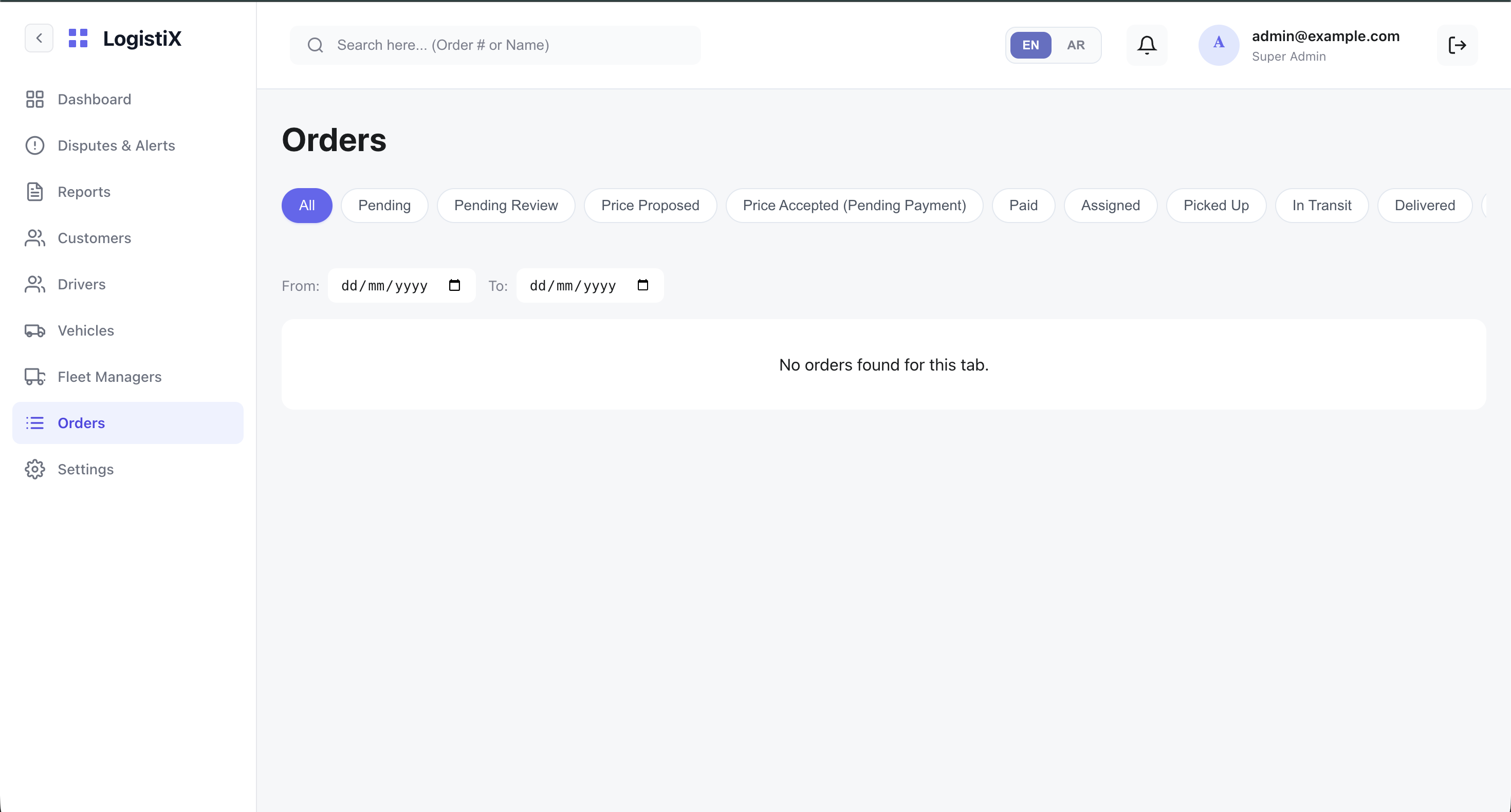
The Orders module allows Super Admins to oversee every delivery within the ecosystem and configure custom pricing for specific orders. Note that for these general orders, the admin only assigns the price—individual drivers will pick up these orders on their own.
Viewing Orders
The main orders table displays all system orders. You can filter by status, date, customer, and driver.
The Pricing Flow (Price Proposal)
When an order requires manual pricing intervention (status: PENDING_REVIEW), the Super Admin must propose the pricing model before a driver can pick it up.
- Click on the specific order to open the Order Details.
- Locate the Price Proposal section.
- Enter the Customer Price (what the customer will pay).
- Enter the Driver Price (what the driver will earn).
- The Platform Fee is automatically calculated as:
Customer Price - Driver Price.
